Have you decided to buy a new laptop, but between form factors, processor naming schemes, and dozens of seemingly similar models you don’t know where to start? That’s a common feeling. The good news is that, just like with desktop PCs, a few well-chosen questions are enough to narrow the field down to a handful of models that are genuinely right for you.
The two questions to ask yourself first
What’s your budget? Laptops roughly split into three price tiers: entry-level up to €400-450, mid-range up to €700-800, and high-end above €1,000. Below €400 you’ll find machines suited only to basic tasks like browsing and word processing, or very compact laptops built mainly for portability. For heavier use you need at least €500-600, while above €1,000 you’re in the range for gamers, professional editors, or anyone who prefers the thinnest, best-finished ultrabooks.
What do you actually need it for? Answering this helps you figure out which features matter most — display, battery life, graphics power — and the right size. A laptop over 15” is awkward on the move but great as a desktop replacement; a 13” one is the choice for people who travel a lot; 14-15” is the middle ground that works well in both scenarios.
Form factor: not all laptops are the same
The traditional clamshell laptop remains the most common choice, spanning both the low and high end. Ultrabooks are thinner, lighter, and built with more refined materials (aluminum, magnesium): the right pick for anyone who travels often and doesn’t want to sacrifice power or battery life. 2-in-1s have a detachable display that works as a standalone tablet, while convertibles rotate the display up to 360° via a dedicated hinge while remaining a single unit.
Display: the feature you’ll use the most
Always aim for at least Full HD resolution (1920x1080): below that, especially on a 15.6” screen, you’ll really notice the lack of detail. Among panel technologies, IPS offers noticeably better viewing angles and color accuracy than the cheaper TN; OLED, where available, raises the bar further with deeper blacks, higher contrast, and more vivid colors — a treat that’s now reaching the mid-range too.
Processor, graphics card, RAM, and storage
Intel and AMD remain the two reference makers for Windows laptops, alongside ARM processors (Apple Silicon M-series and Qualcomm Snapdragon X), which are more efficient but require a bit more attention to software compatibility. Intel naming (i3/i5/i7/i9, now joined by Core/Core Ultra) and AMD naming (Ryzen 3/5/7/9) indicate the performance tier, but generation and the trailing letter in the model number matter as much as the number itself — if you want to really understand how to read them, check out our dedicated guide to processor naming.
For the graphics card, the solution built into the processor is more than enough for office work, browsing, and media; you only need a dedicated Nvidia or AMD GPU if you play recent titles or work with heavy video editing and 3D graphics. On RAM and storage, 8 GB is the bare minimum acceptable today while 16 GB remains the sweet spot for most uses: always check whether the RAM is expandable or soldered, since it’s increasingly fixed in more modern laptops. For storage, an SSD of at least 256-512 GB is the reference standard.
Battery and connectivity
Manufacturer-stated battery life should always be taken with a grain of salt: it varies a lot depending on screen brightness, workload, and background apps. Finally, make sure the laptop has the ports you actually use (USB-C, HDMI, Ethernet), plus Wi-Fi 6 or 6E and Bluetooth 5 or later for trouble-free wireless connectivity.
The best laptops by price range
Entry-level
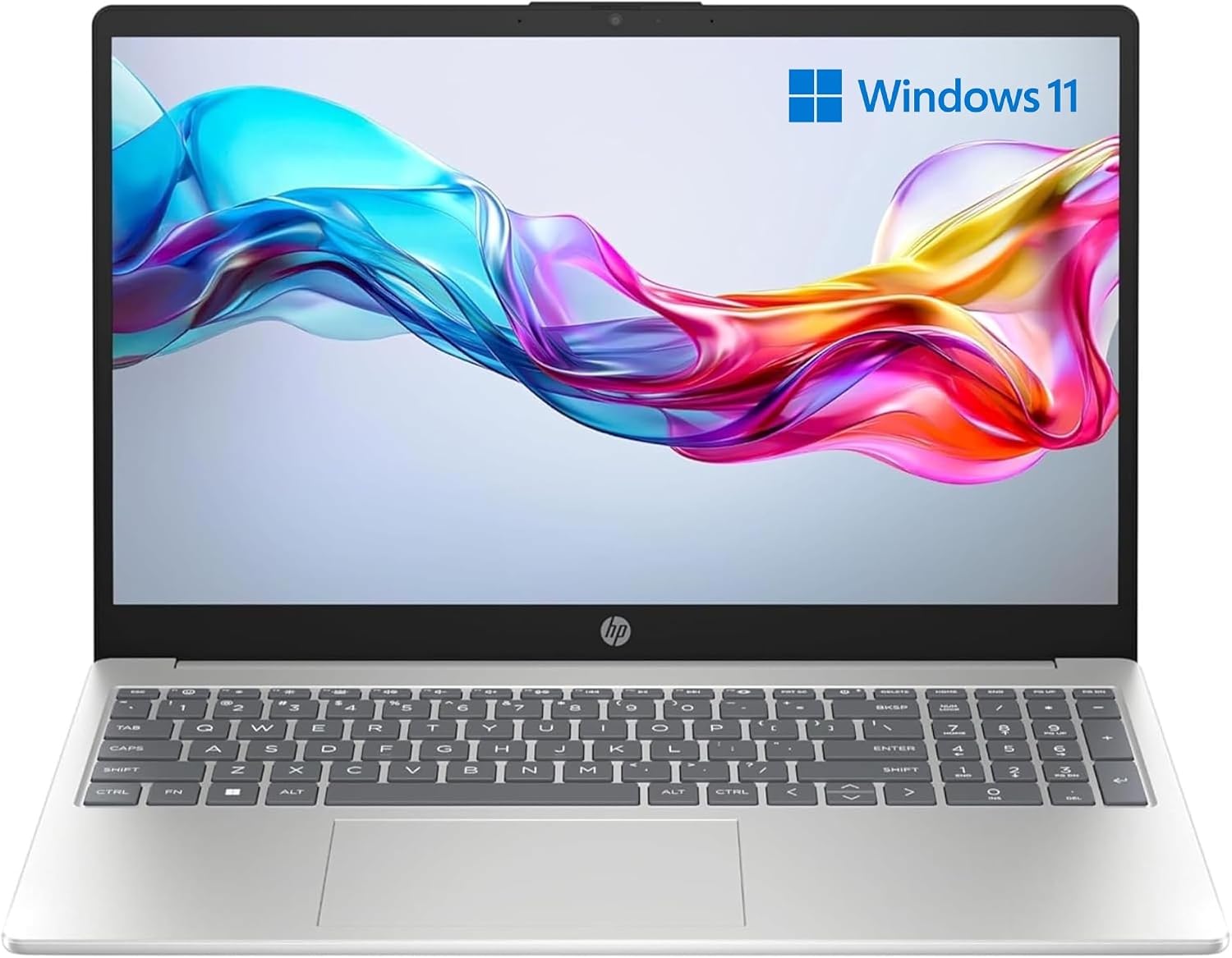
The HP Laptop 15 is the most affordable entry point in this selection: a 15.6” Full HD display at a very low price, suited to basic use.

The HP 250 G9 leans on a sober design and a 256 GB SSD for light everyday use, with Windows 11 Pro already installed.
Mid-range

The Acer Aspire Lite 14 is extremely light (1.17 kg) with a nice 16:10 IPS touch display: ideal for anyone moving often between home, classroom, and office.

The ASUS Vivobook 15 offers 16 GB of RAM and 512 GB of SSD, a combination that’s rare at this price, with a good-quality IPS display.

The Lenovo IdeaPad Slim 3 with a Snapdragon X chip leans entirely on battery life and efficiency, thanks to its low-power ARM architecture.

The Samsung Galaxy Book4 pairs an all-metal build with great Samsung ecosystem integration, including the ability to use your phone as a webcam.

The Lenovo V15 G4 IRU is built for office work, with advanced security features like BitLocker and a webcam with a Privacy Shutter.
Gaming

The HP Victus 15 with an RTX 5050 is the best entry point for anyone who wants to start gaming without spending top-of-the-line money.

The MSI Cyborg 15 steps up with an H-series Core i7 and an RTX 5060, including a 144 Hz display: a combination built for serious gaming.
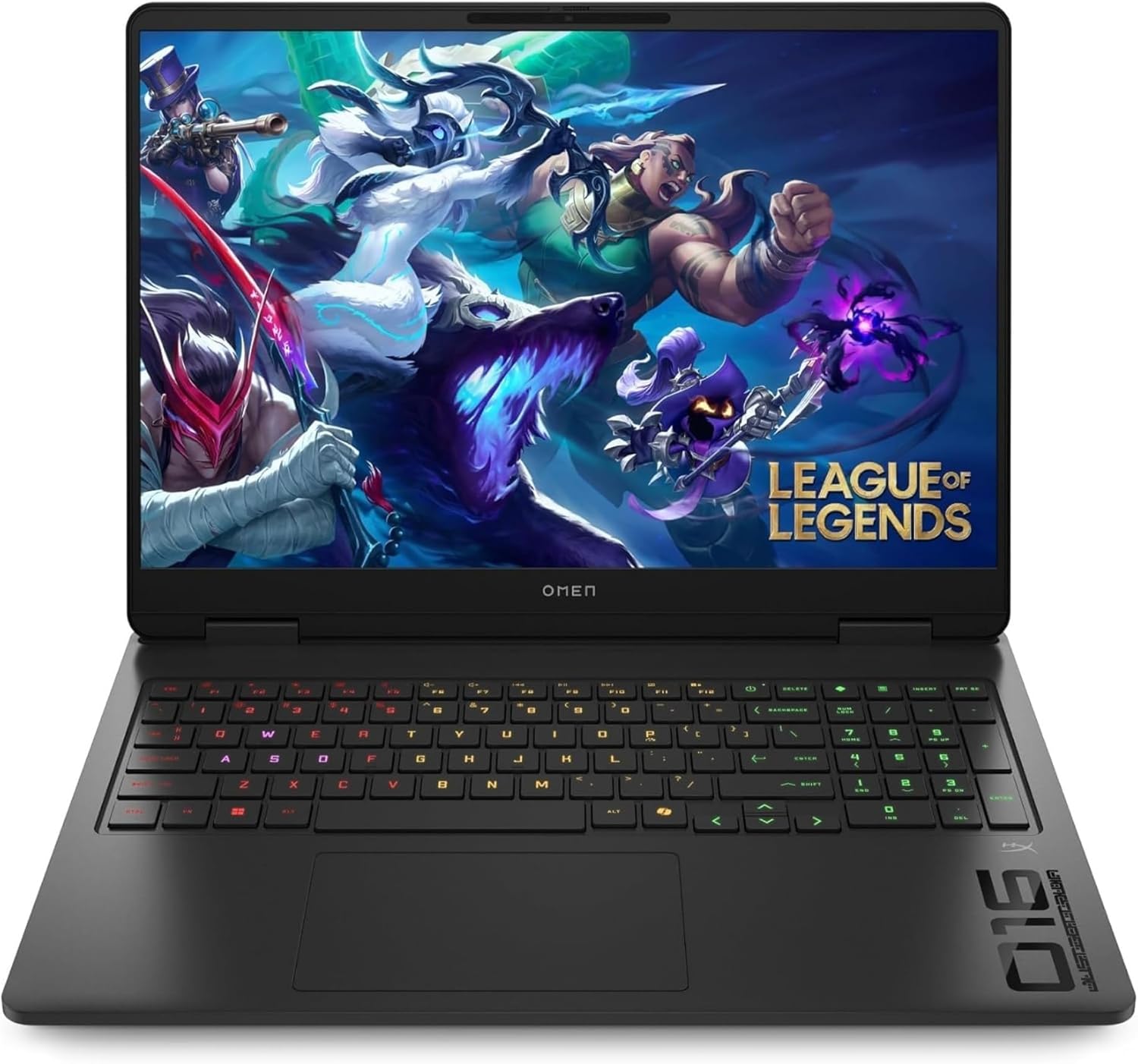
The HP Omen 16 with a Ryzen 9 and an RTX 5070 is the pick for anyone after true desktop-replacement performance, content creation included.
Premium and creator picks

The HP OmniBook Ultra Flip X360 offers a rare 3K 120 Hz OLED display in a convertible form factor, with pen support included.
The HP OmniBook X Flip 16 leans into on-device AI, thanks to a dedicated 47 TOPS NPU for Copilot+ PC features.
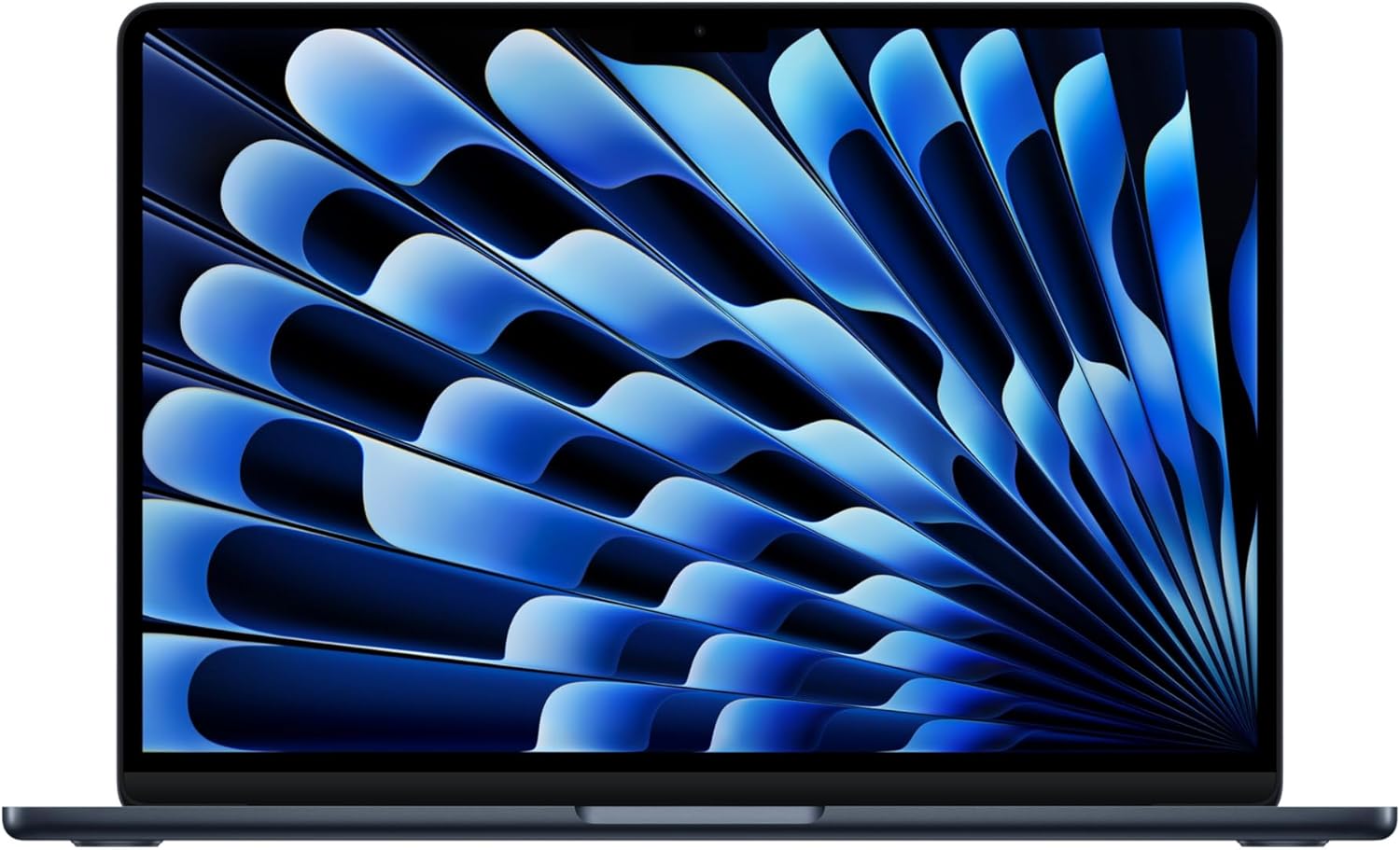
The MacBook Air M5 remains the benchmark for battery life, efficiency, and build quality for anyone working within the Apple ecosystem.
The MacBook Pro with an M5 Pro or M5 Max chip closes out the selection: the pick for anyone working professionally with video, 3D graphics, or very heavy workloads.
In summary
Always start from your budget and intended use, then evaluate form factor and display — the two features you’ll notice every single day. For everything else, remember that the processor and a dedicated GPU only really matter if you game or work with heavy content: beyond that, a good balance of RAM, storage, and battery life matters more than the name on the box.